Education Solutions · Video Conferencing
Lecture capture, remote guest faculty and hybrid viva sessions on one Logitech hardware standard.
A lecture hall or seminar room has different needs from an office meeting room — a wider camera view for a full class, a clear feed of the whiteboard, and a platform that visiting faculty from another campus can join without help. Logitech's room systems cover lecture theatres down to staff-room meetings, installed and supported by Aplus across India.
Where it's used
A wide-angle PTZ camera keeps an entire lecture theatre in frame so remote students see the room, not just the lectern.
An AI whiteboard camera streams what's written on the board with enhanced contrast, so remote and recorded viewers can actually read it.
One-touch join lets a visiting professor from another campus or institution present into a classroom without a technician present.
Reliable one-to-few video calling supports remote examiners and external panel members sitting in on a viva without travel.
Compact huddle-room bars equip smaller staff rooms and administrative offices with the same one-touch join as the lecture halls.
Recommended for you
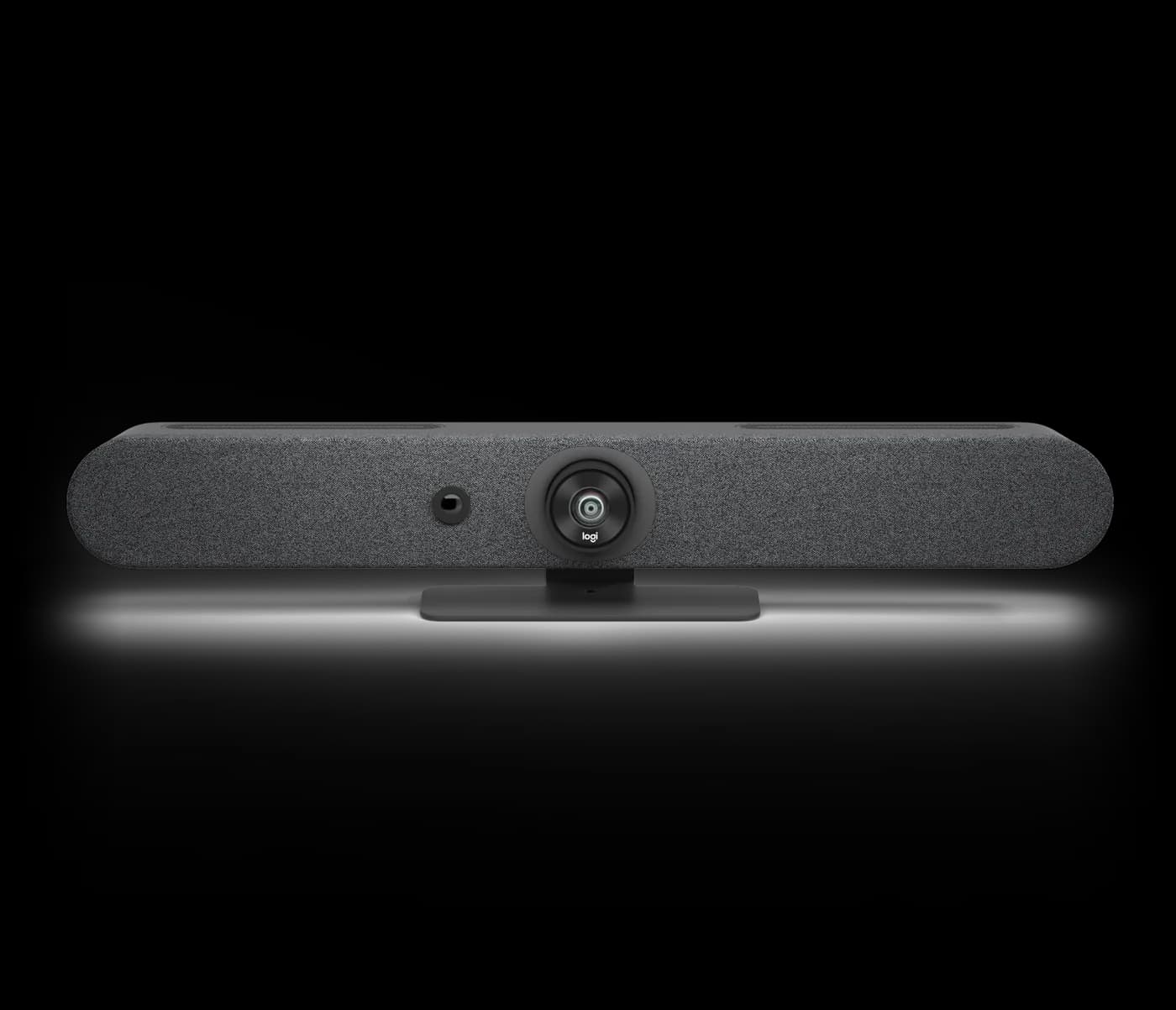
RALLY
All-in-one video bar for small to medium rooms with an ultra-wide 113° field of view, six-mic array and built-in compute for Microsoft Teams Rooms and Zoom Rooms.
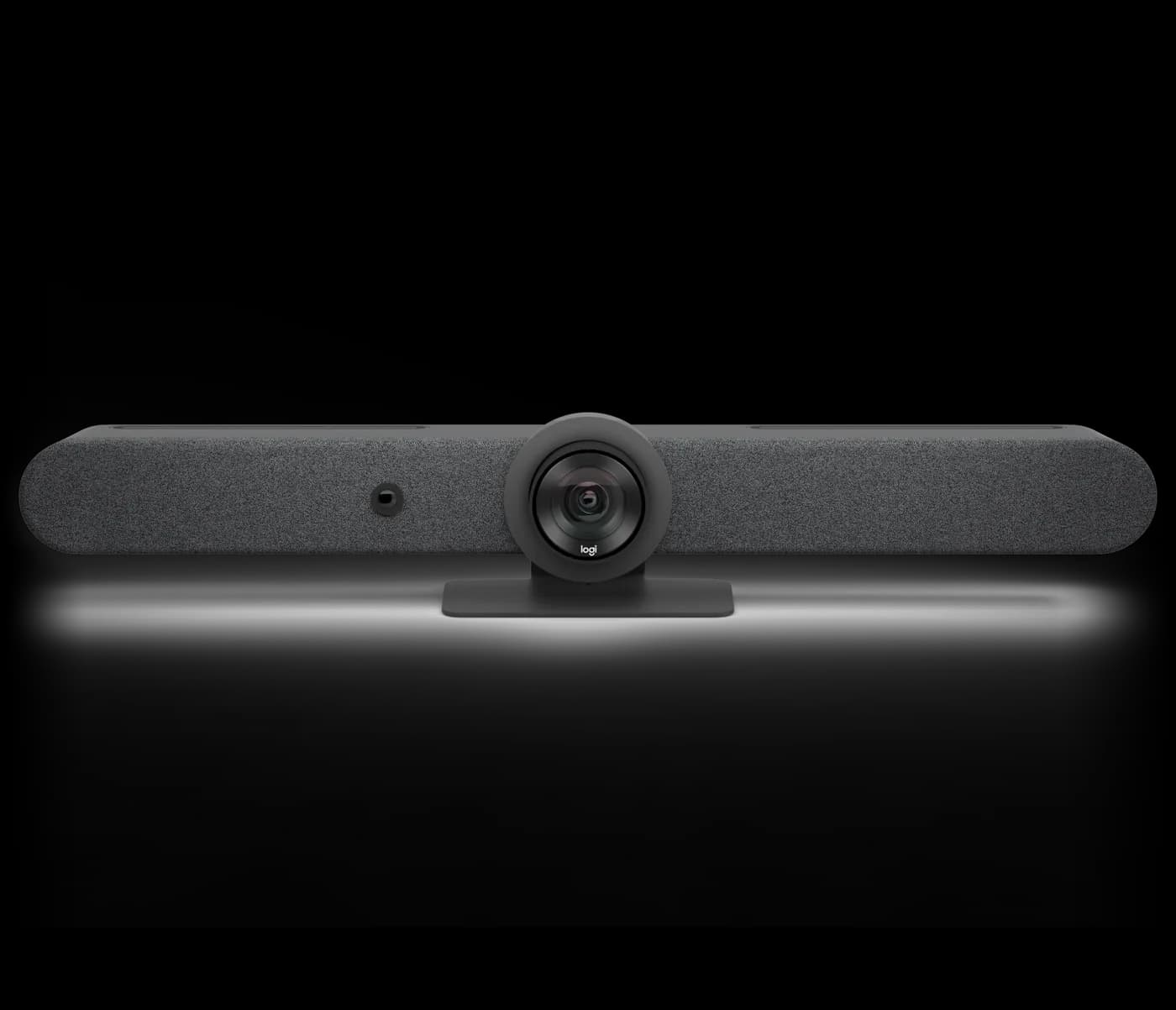
RALLY
All-in-one video bar for medium to large rooms, with a motorized PTZ camera, AI auto-framing and built-in compute for Microsoft Teams Rooms and Zoom Rooms.
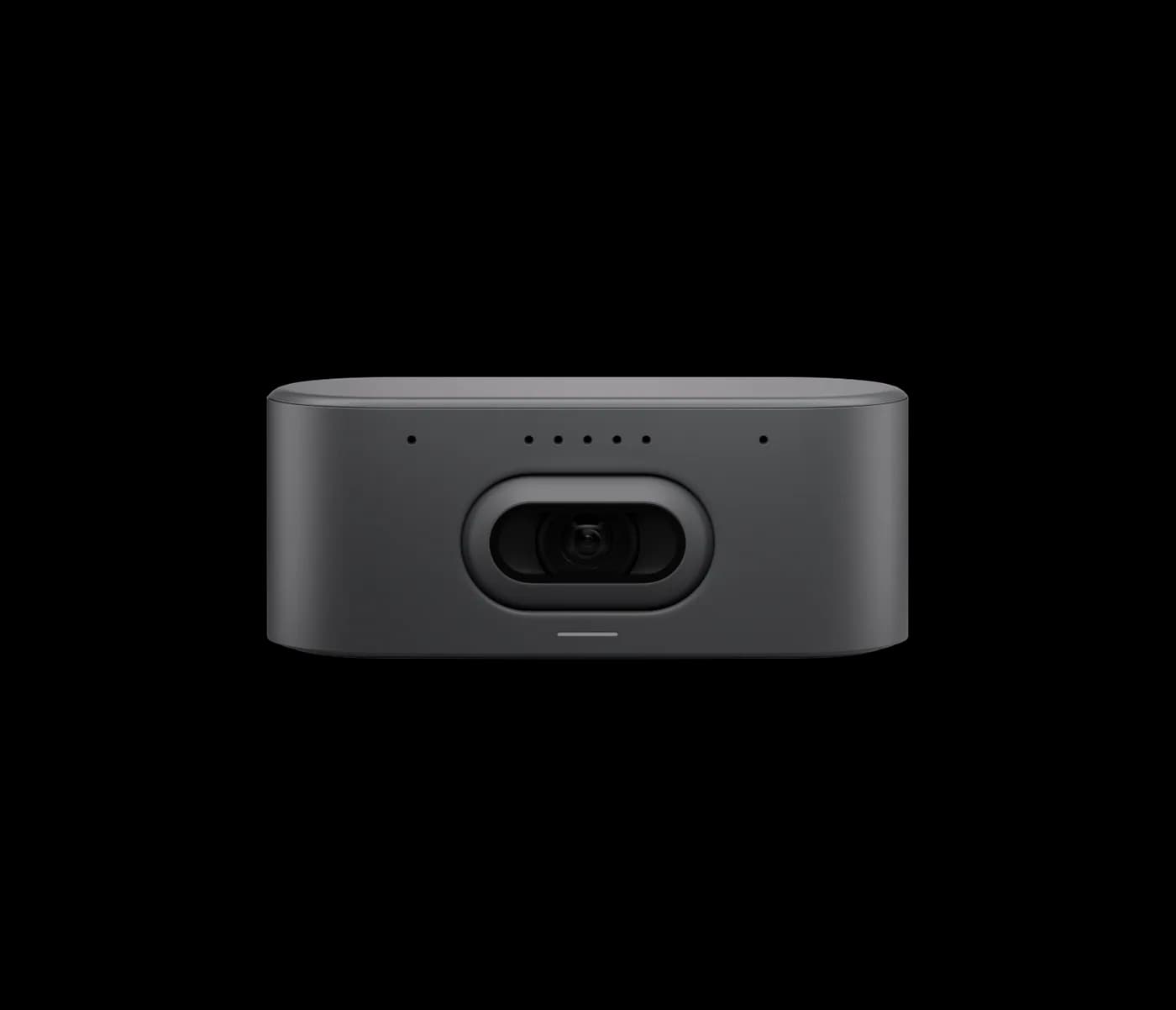
RALLY
AI PTZ conference camera with a 20 MP 1-inch sensor and 115°-class field of view, delivering intelligent framing and brilliant optics for medium to large rooms.
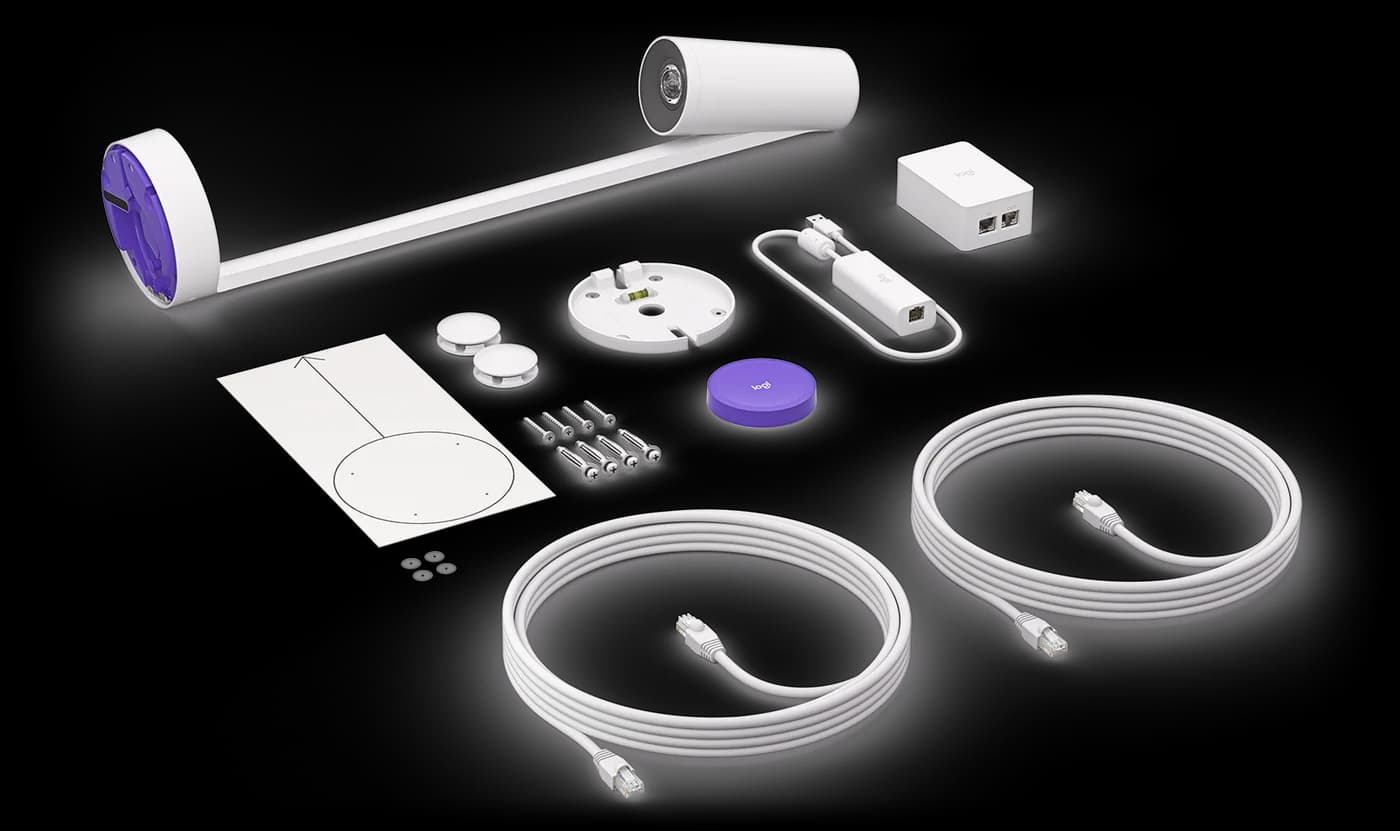
SCRIBE
AI whiteboard camera that broadcasts a clear, enhanced whiteboard stream into meetings, with a transparency effect that lets remote viewers see through the presenter.
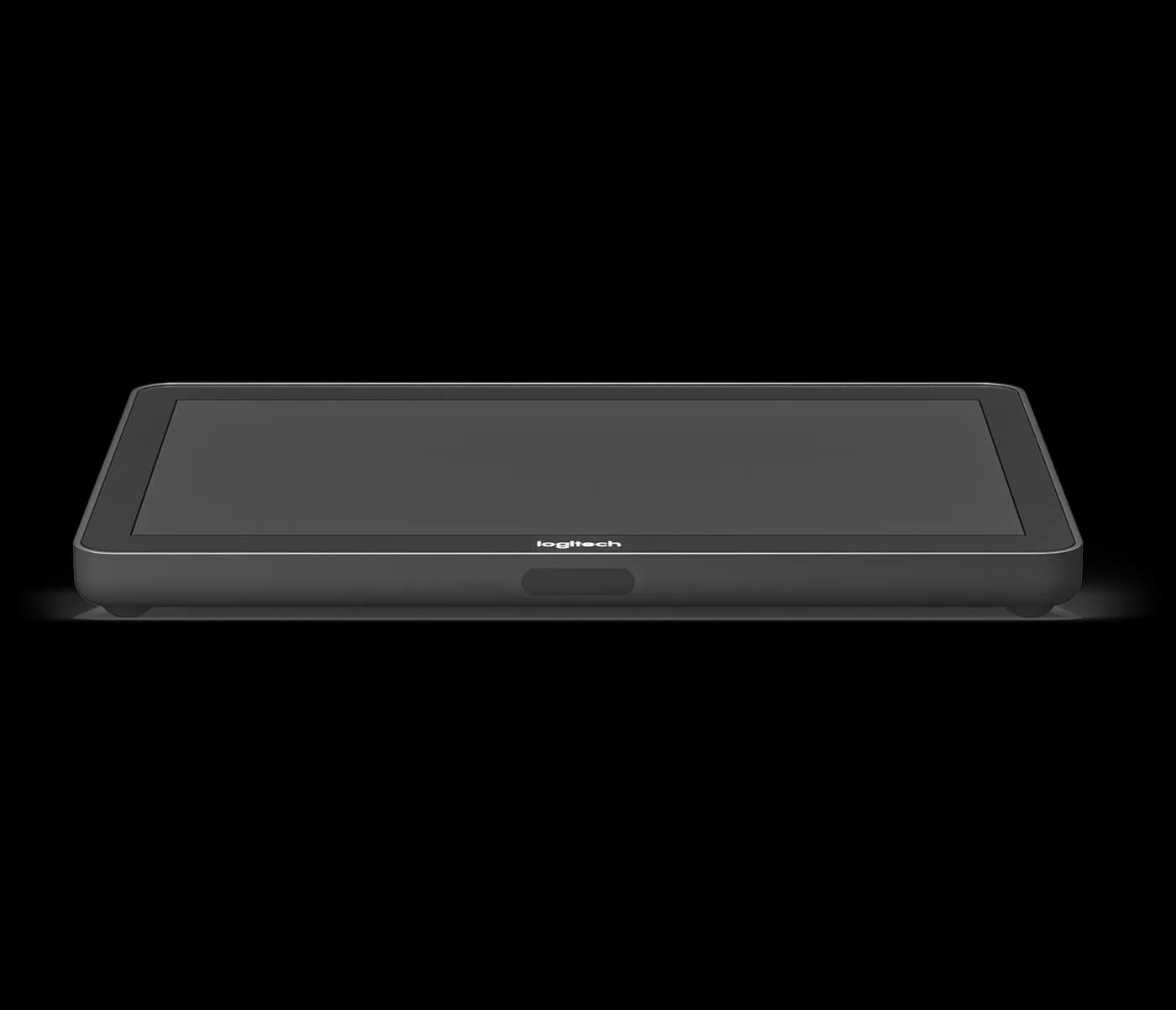
TAP · 10.1″
In-room touch controller with a 10.1-inch display and HDMI content share, delivering one-touch join for Microsoft Teams Rooms and Zoom Rooms.
FAQ
Yes. A wide-angle PTZ camera such as Rally Bar or Rally AI Camera is sized to the room, so a full lecture theatre — not only the lectern area — stays in frame for remote students. We confirm the room's seating layout during the site survey and size the camera to it.
Yes, with a dedicated whiteboard camera. It enhances marker contrast and streams the board clearly instead of relying on the room camera's wide shot, and a transparency effect keeps the board legible even when a lecturer is standing in front of it. This is a common addition for lecture capture and recorded courses.
No. The room joins standard Microsoft Teams Rooms or Zoom Rooms calls, so a guest lecturer or an external examiner joins from their own laptop or phone using the platform link you send — nothing to install on the classroom side.
Yes. A compact huddle-room bar is enough for a staff room or a small admin meeting, while lecture halls take a wider-angle camera sized to the room. Both run the same one-touch join, so staff moving between a small meeting and a lecture hall use an identical interface. Aplus specs each room to its actual size and use.
Also for education solutions
Digital Signage
Campus wayfinding, exam schedules, event boards, and emergency alerts.
ExploreVideo Walls
Auditorium backdrops, sports facility displays, and convocation hall installations.
ExploreInteractive Displays
Replace chalk, whiteboard, and projector with one device — touch, write, share, save.
ExploreHospitality & Business TV
Durable TVs built for shared student spaces — not retail consumer panels.
ExploreShare your requirements and our solution architects will recommend the right Logitech room systems, sizing, and deployment plan.
