Education Solutions · Digital Signage
Campus wayfinding, exam schedules, event boards, and emergency alerts.
Replace static campus notice boards with dynamic digital signage for real-time exam schedules, wayfinding, and centralized emergency alerts.
Where it's used
Dynamic campus orientation and event highlights for students and visitors.
Real-time, automated scheduling displays to streamline academic operations.
Centralized rich-media broadcasting to replace decentralized static campus announcements.
Comprehensive digital directories for multi-building institutional navigation.
Centralized network override capabilities for critical campus-wide safety broadcasts.
Recommended for you

QBC · 43–85″
Ultra-slim 28.5 mm Crystal UHD signage with Dynamic Crystal Color, MagicInfo S10, and ENERGY STAR certification — for lobbies, retail, and corporate spaces.
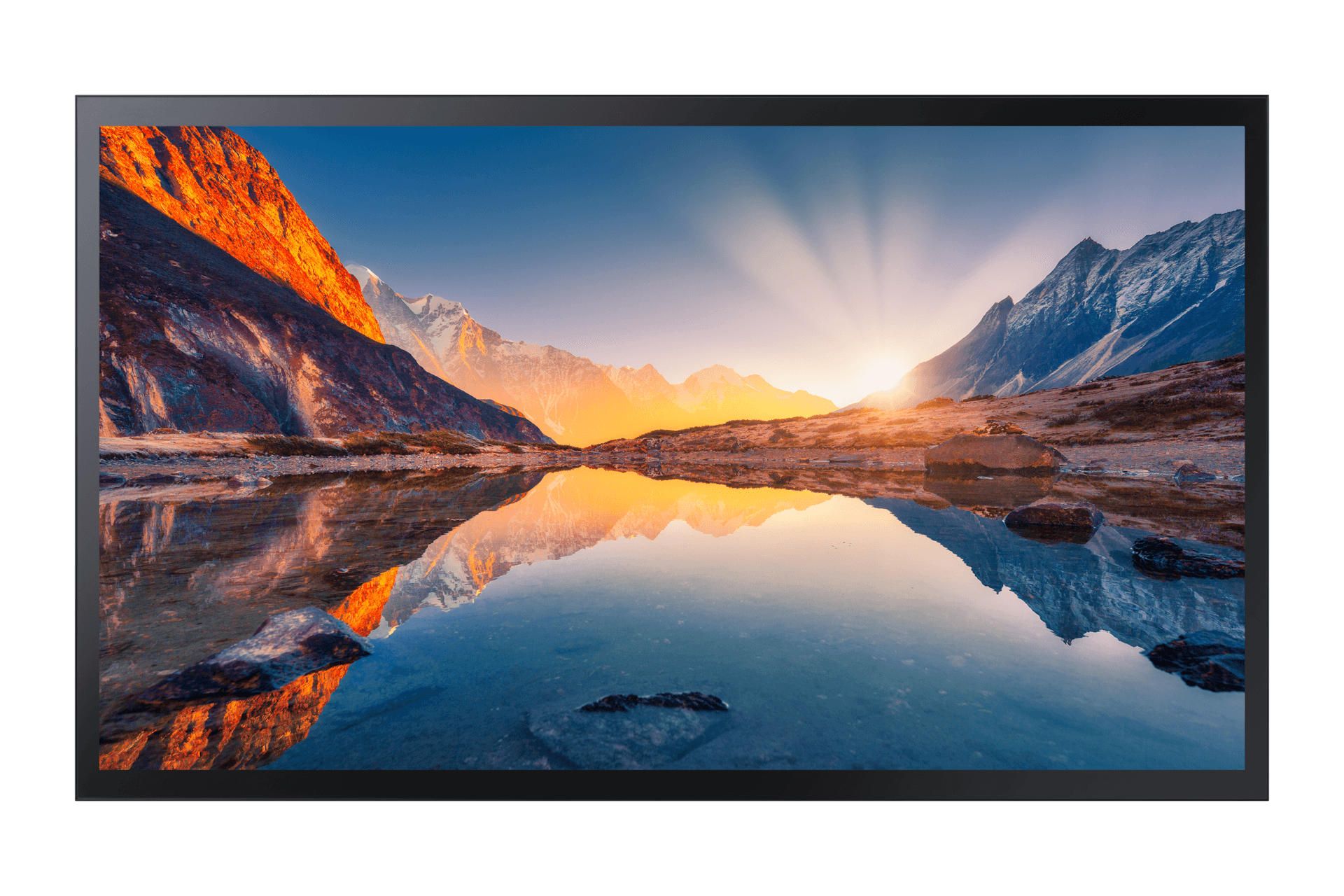
QMB-T · 43–55″
Mid-to-large capacitive touch signage for interactive retail campaigns, wayfinding walls, and self-service kiosks.
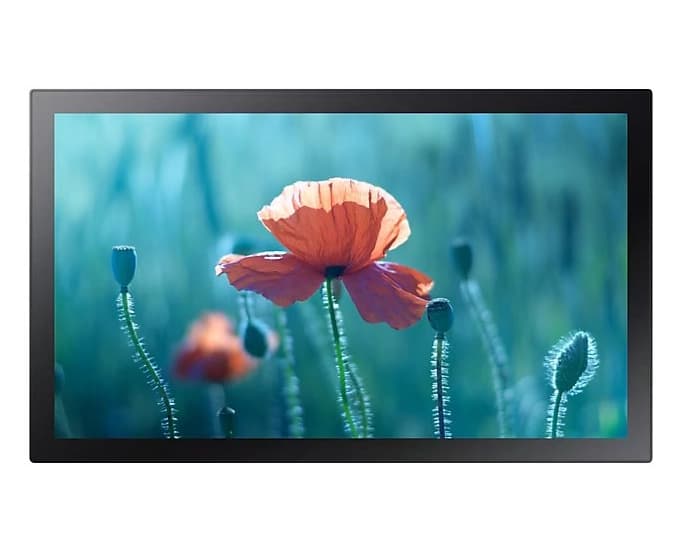
QBC-T · 13–24″
Compact 13" and 24" Full HD capacitive touch signage — ideal for reception desks, POS counters, and interactive information points where space is constrained.
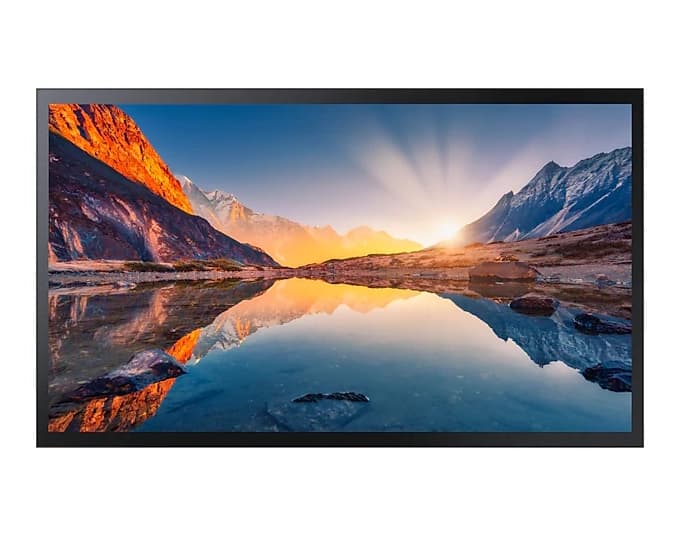
QMR-T · 32–55″
All-in-one capacitive touch signage for wayfinding kiosks, self-service counters, and interactive information points.
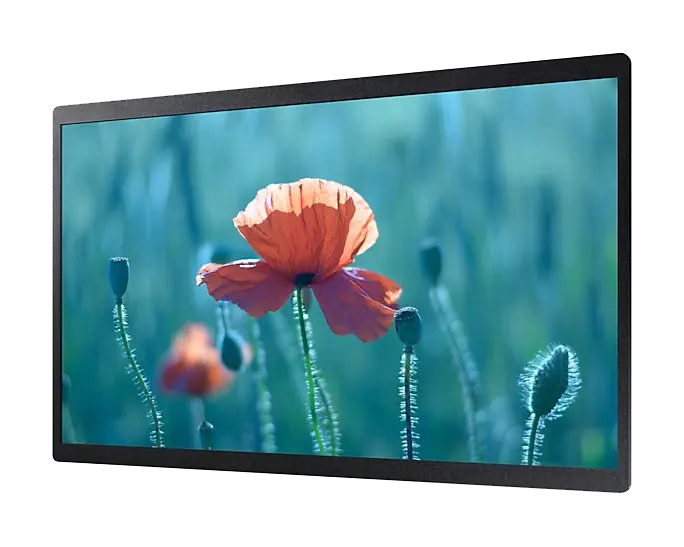
QBR-B · 13–24″
Compact, powerful displays for impactful messaging in tight spaces — reception counters, checkout queues, and indoor kiosks.
FAQ
Yes. We use Samsung QBC/QBR/QMR series with toughened front glass for high-traffic zones. Touch and walk-by environments use anti-vandal protective frames where needed. Failure rates in school deployments are under 2% per year — significantly better than projectors in the same environment.
Yes — with workflow approval. MagicINFO supports user roles where club leads can draft content and the admin/principal approves before it goes live. This balances student involvement with brand safety.
All displays can be overridden with one command (or triggered by fire alarm panels) to show evacuation routes and instructions. We've deployed this for residential schools and university hostels where seconds matter.
Walk-up registration, photo upload, and event schedules. Some clients pipe live scoreboard data to displays during inter-school competitions. The signage layer is flexible enough to handle one-off event needs.
Also for education solutions
Video Walls
Auditorium backdrops, sports facility displays, and convocation hall installations.
ExploreInteractive Displays
Replace chalk, whiteboard, and projector with one device — touch, write, share, save.
ExploreHospitality & Business TV
Durable TVs built for shared student spaces — not retail consumer panels.
ExploreVideo Conferencing
Lecture capture, remote guest faculty and hybrid viva sessions on one Logitech hardware standard.
ExploreShare your requirements and our solution architects will recommend the right Samsung displays, sizing, and deployment plan.
