Education Solutions · Interactive Displays
Replace chalk, whiteboard, and projector with one device — touch, write, share, save.
Transform classrooms with interactive smart boards that combine multi-touch collaboration, integrated lesson recording, and instant wireless screen sharing.
Where it's used
Interactive pedagogical platforms engineered for full-class engagement and split-screen collaboration.
Large-format, high-fidelity interactive displays for advanced academic disciplines.
Centralized demonstration screens optimized for software instruction and technical training.
Integrated professional development suites featuring automated session archiving.
Accessible, height-adjustable interactive interfaces tailored for diverse learning requirements.
Recommended for you
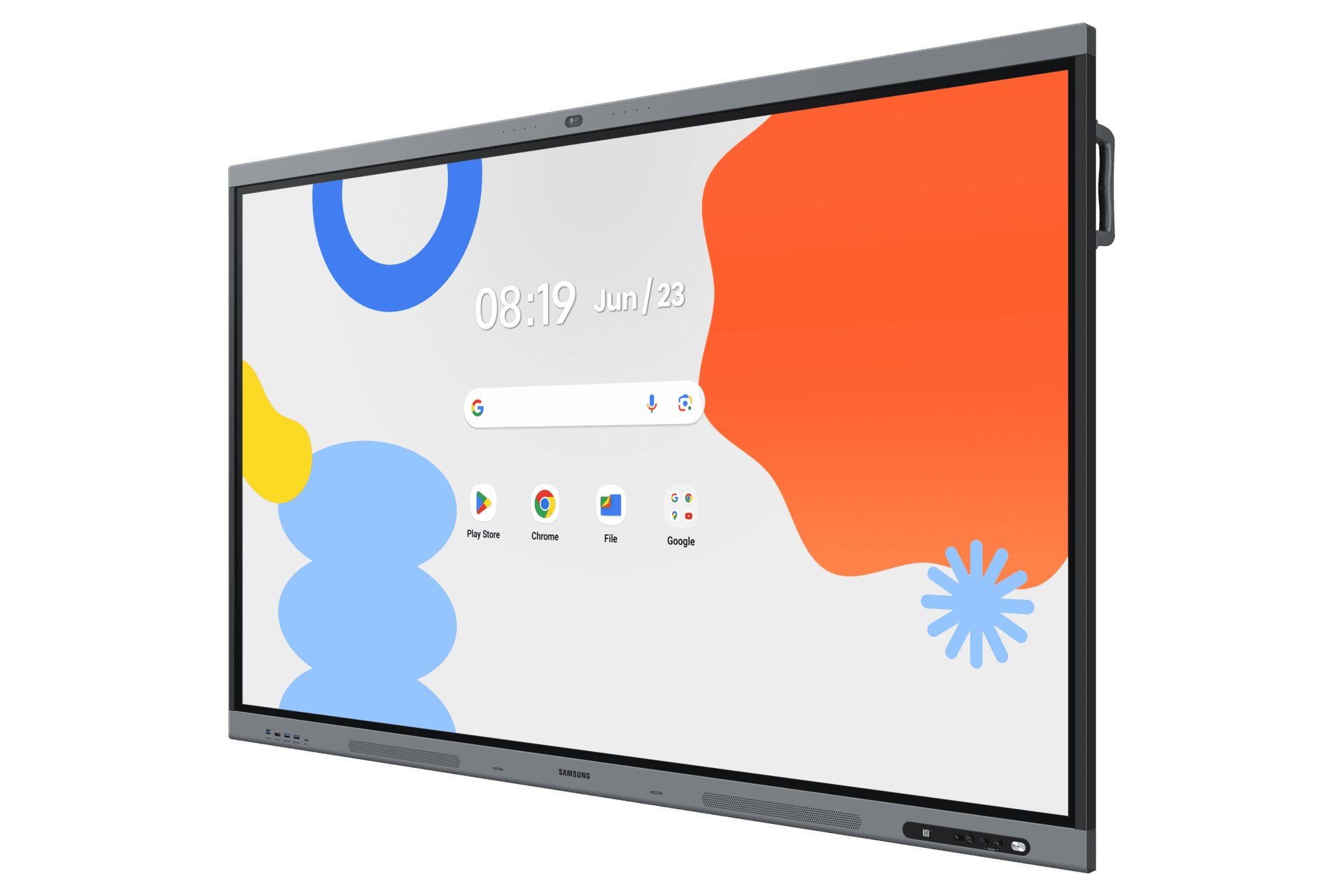
WAFX-P · 65–86″
Next-generation interactive display with Android 15, EDLA certification, 48MP camera, 8-mic far-field array, and embedded AI — for classrooms and meeting rooms.
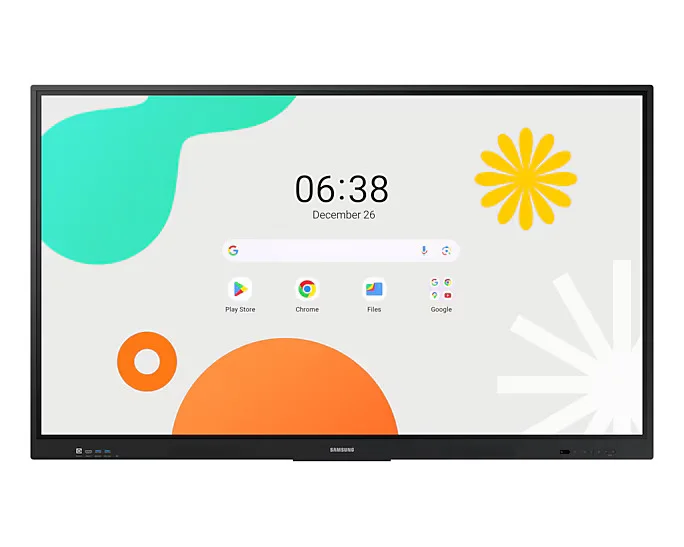
WAF · 65–86″
Large-format Android interactive display for education and corporate collaboration — available up to 86 inches for auditoriums and large classrooms.
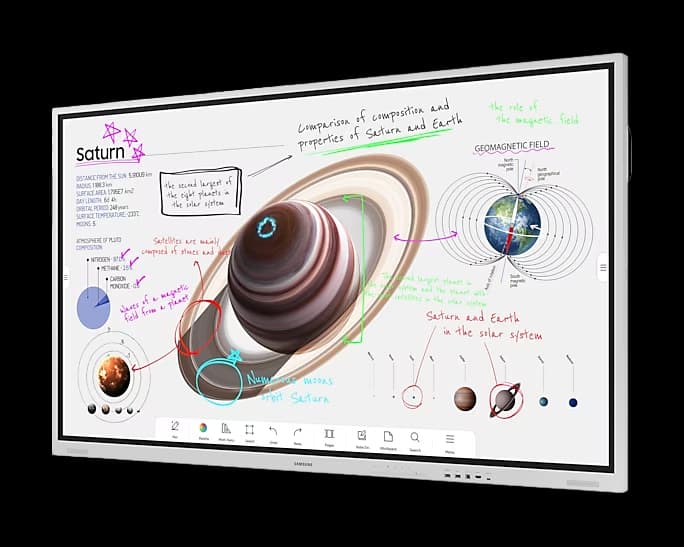
FLIP PRO · 75–85″
Premium interactive display that inspires collaboration and creativity in corporate meeting rooms and boardrooms.
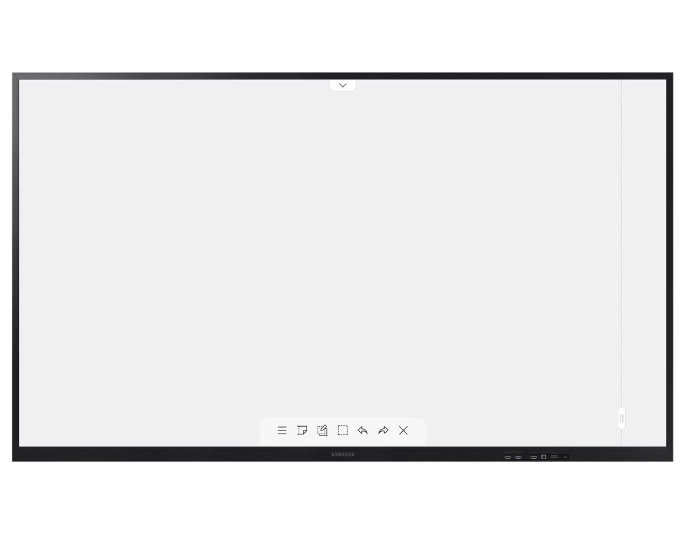
FLIP 3 · 55–85″
The evolution of the digital flipchart — realistic writing experience with embedded safety and collaboration features.
FAQ
Projector setups have three failure points (projector lamp, screen surface, connected PC) and require lights dimmed. Interactive flat panels are a single device, lamp-free, work in fully lit rooms, and the touch layer means teachers interact directly without going to the laptop. Total cost of ownership over 7 years typically favours the flat panel.
Less than you'd expect. The touch interface mirrors a giant tablet. We do a 60-90 minute onboarding per school covering the most common workflows (whiteboarding, casting from laptop, exporting notes). Most teachers are productive on day one.
Yes. Samsung interactive displays support Google Classroom, Microsoft Education, Moodle, and Canvas via standard browser-based interfaces. Lesson recordings and whiteboard exports push directly to the LMS.
Toughened glass rated for 50,000+ touch hours. We've not seen surface damage in 5+ years of deployments. The Android-class OS does need periodic updates (we handle this during school vacations).
Also for education solutions
Digital Signage
Campus wayfinding, exam schedules, event boards, and emergency alerts.
ExploreVideo Walls
Auditorium backdrops, sports facility displays, and convocation hall installations.
ExploreHospitality & Business TV
Durable TVs built for shared student spaces — not retail consumer panels.
ExploreVideo Conferencing
Lecture capture, remote guest faculty and hybrid viva sessions on one Logitech hardware standard.
ExploreShare your requirements and our solution architects will recommend the right Samsung displays, sizing, and deployment plan.
