Corporate & Workplace · Interactive Displays
Touch-driven whiteboarding, wireless presentation, and hybrid video calls — without the dongle drama.
Consolidate your meeting room technology with interactive displays that combine wireless casting, touch whiteboarding, and hybrid conferencing in one device.
Where it's used
Compact interactive displays optimized for agile collaboration and rapid unified communications.
Large-format interactive systems supporting dual-display hybrid conferencing.
Engaging interactive platforms designed for hybrid facilitator-led sessions.
High-fidelity 4K touch canvases for precision technical and architectural workflows.
Premium interactive surfaces engineered to drive impactful client demonstrations.
Recommended for you
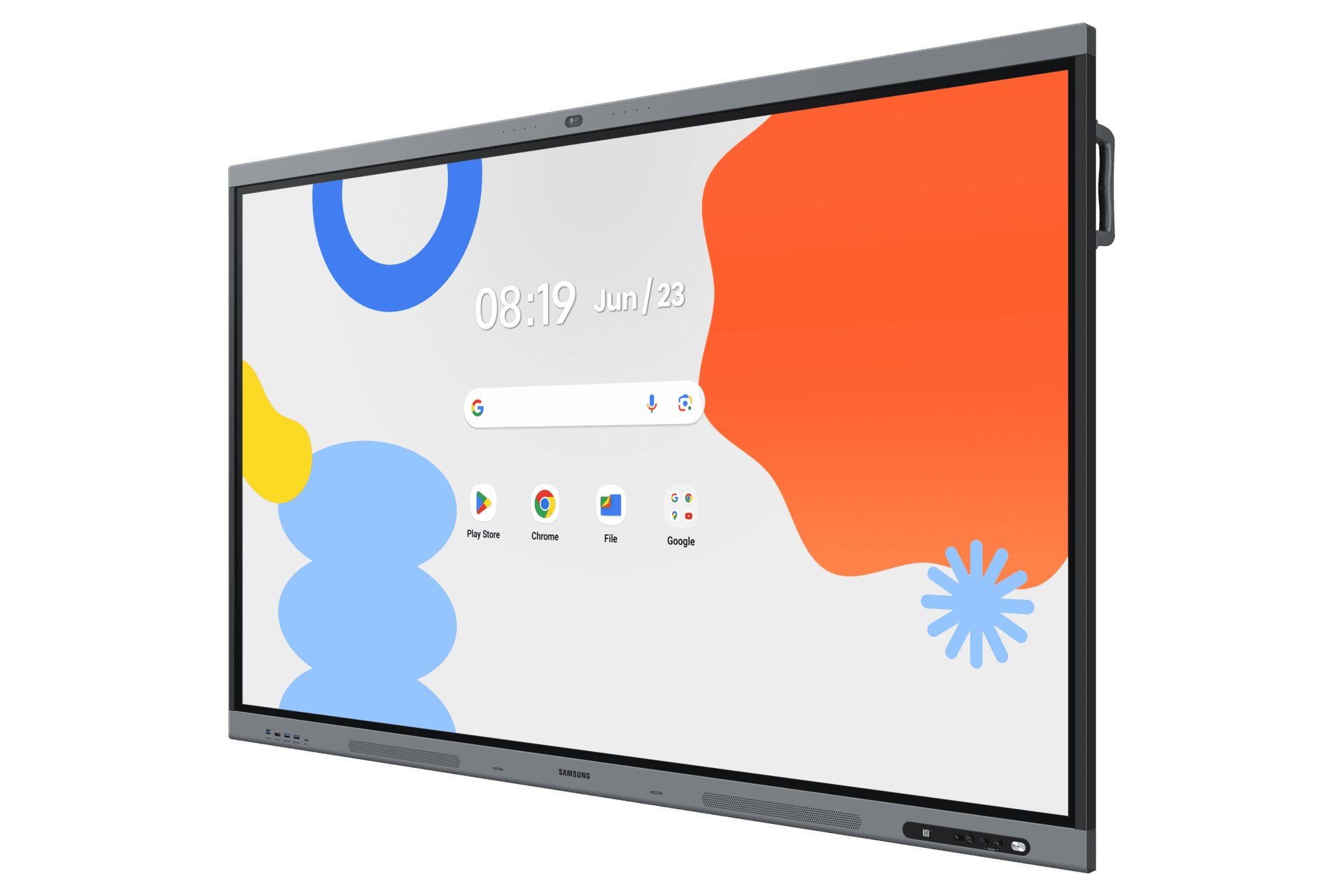
WAFX-P · 65–86″
Next-generation interactive display with Android 15, EDLA certification, 48MP camera, 8-mic far-field array, and embedded AI — for classrooms and meeting rooms.
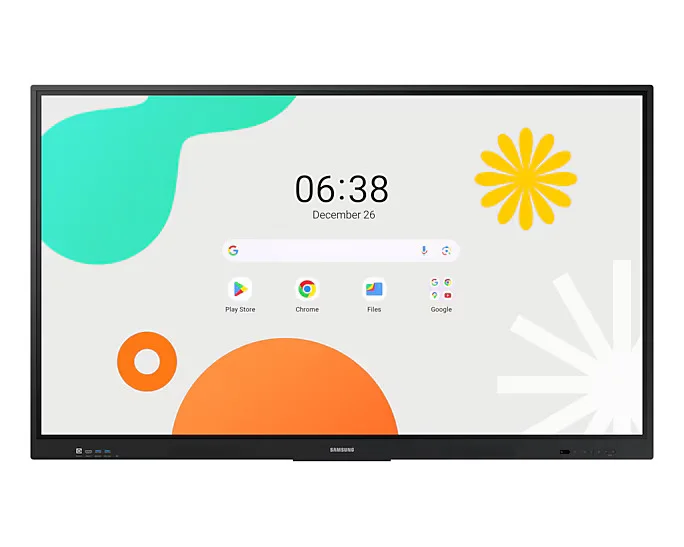
WAF · 65–86″
Large-format Android interactive display for education and corporate collaboration — available up to 86 inches for auditoriums and large classrooms.
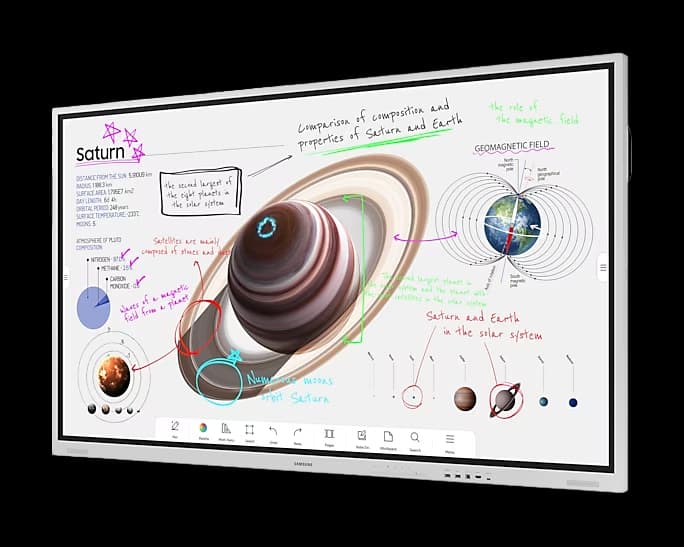
FLIP PRO · 75–85″
Premium interactive display that inspires collaboration and creativity in corporate meeting rooms and boardrooms.
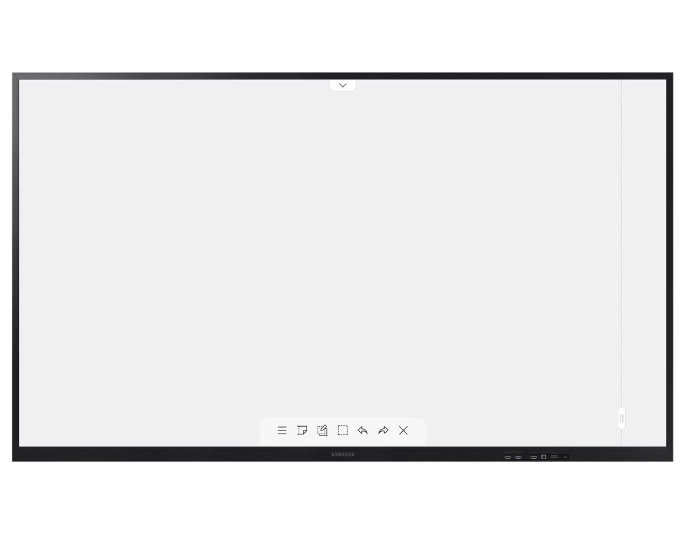
FLIP 3 · 55–85″
The evolution of the digital flipchart — realistic writing experience with embedded safety and collaboration features.
FAQ
Samsung Flip runs without a Microsoft 365 dependency — it works on any network with any laptop. Surface Hub locks you into the Microsoft ecosystem; Jamboard was discontinued in 2024. Flip's content-sharing layer is platform-agnostic (Windows, Mac, iOS, Android all cast to it natively).
Yes. Samsung's wireless screen sharing (Smart View, AirPlay, Miracast) works without any installed agent. Guests connect to the meeting room WiFi and cast in <10 seconds.
Yes — all three. We standardise on whichever your organisation uses. Some clients run BYOM (bring-your-own-meeting) where the laptop is the conferencing host and the Flip is purely the display + camera.
Standard. Whiteboard sessions auto-email to all attendees, save to network drives, or push to OneDrive/Google Drive. We configure this during deployment so it Just Works without anyone having to remember.
Also for corporate & workplace
Digital Signage
Lobbies, internal comms, meeting room schedulers, and town-hall displays.
ExploreVideo Walls
Mission-critical 24/7 walls and statement lobby installations.
ExploreHospitality & Business TV
Samsung BE-series — designed for office duty cycles, not living rooms.
ExploreVideo Conferencing
One hardware standard from huddle room to boardroom, running Microsoft Teams Rooms and Zoom Rooms.
ExploreShare your requirements and our solution architects will recommend the right Samsung displays, sizing, and deployment plan.
