Logitech Video Conferencing
Two deployment shapes, one management surface — pick the bar that hosts Teams Rooms itself, or let RoomMate drive the room.
Logitech gives a Microsoft Teams Rooms estate two build patterns: a video bar that runs Teams Rooms on Android itself, or RoomMate driving a USB camera. Both join with one touch from a Tap IP panel and report into Sync and the Teams admin centre. Aplus supplies and commissions either shape across India.
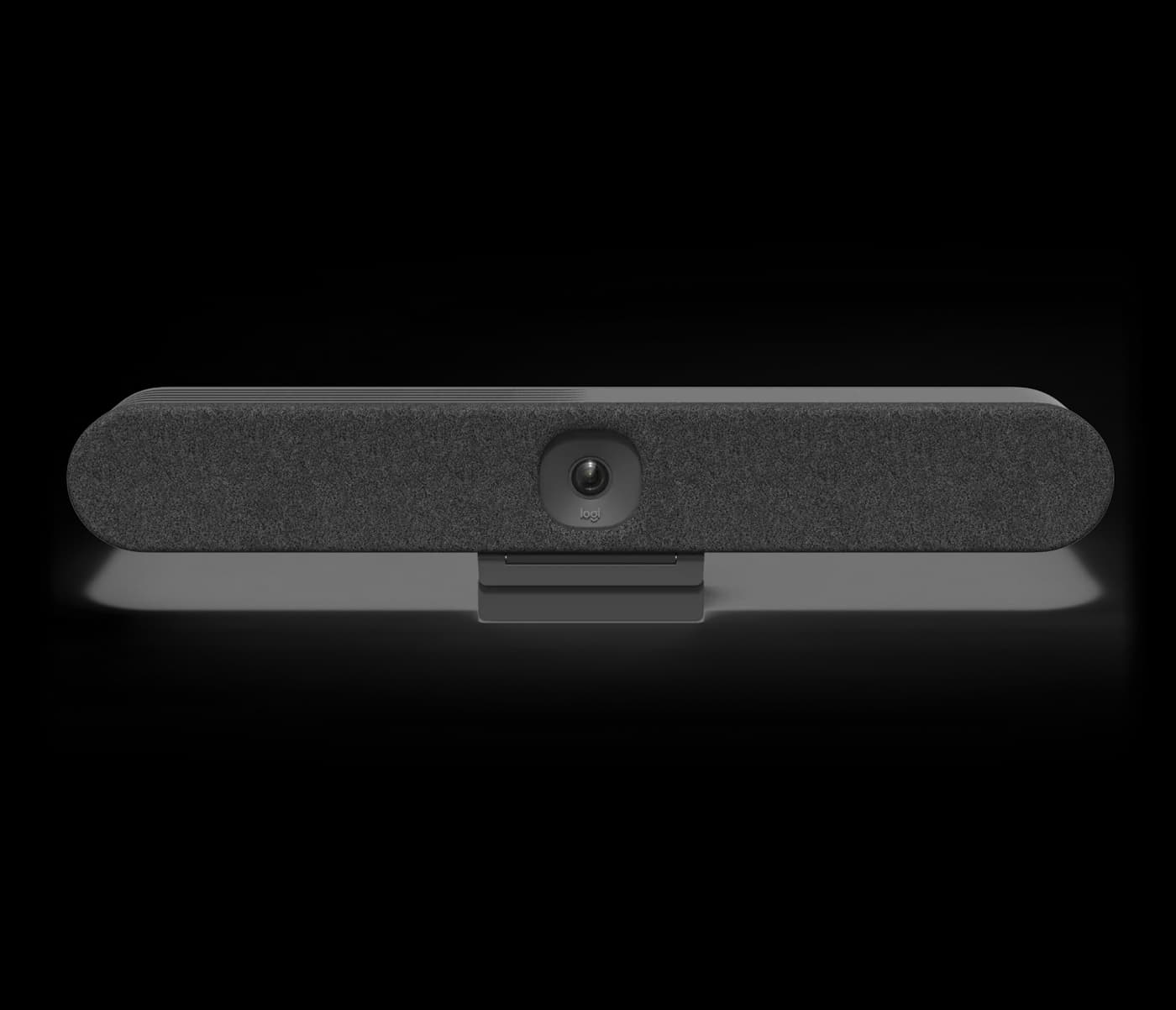
RALLY
Compact all-in-one video bar for huddle and small rooms with a 123°-class ultra-wide camera and built-in compute for Microsoft Teams Rooms and Zoom Rooms.
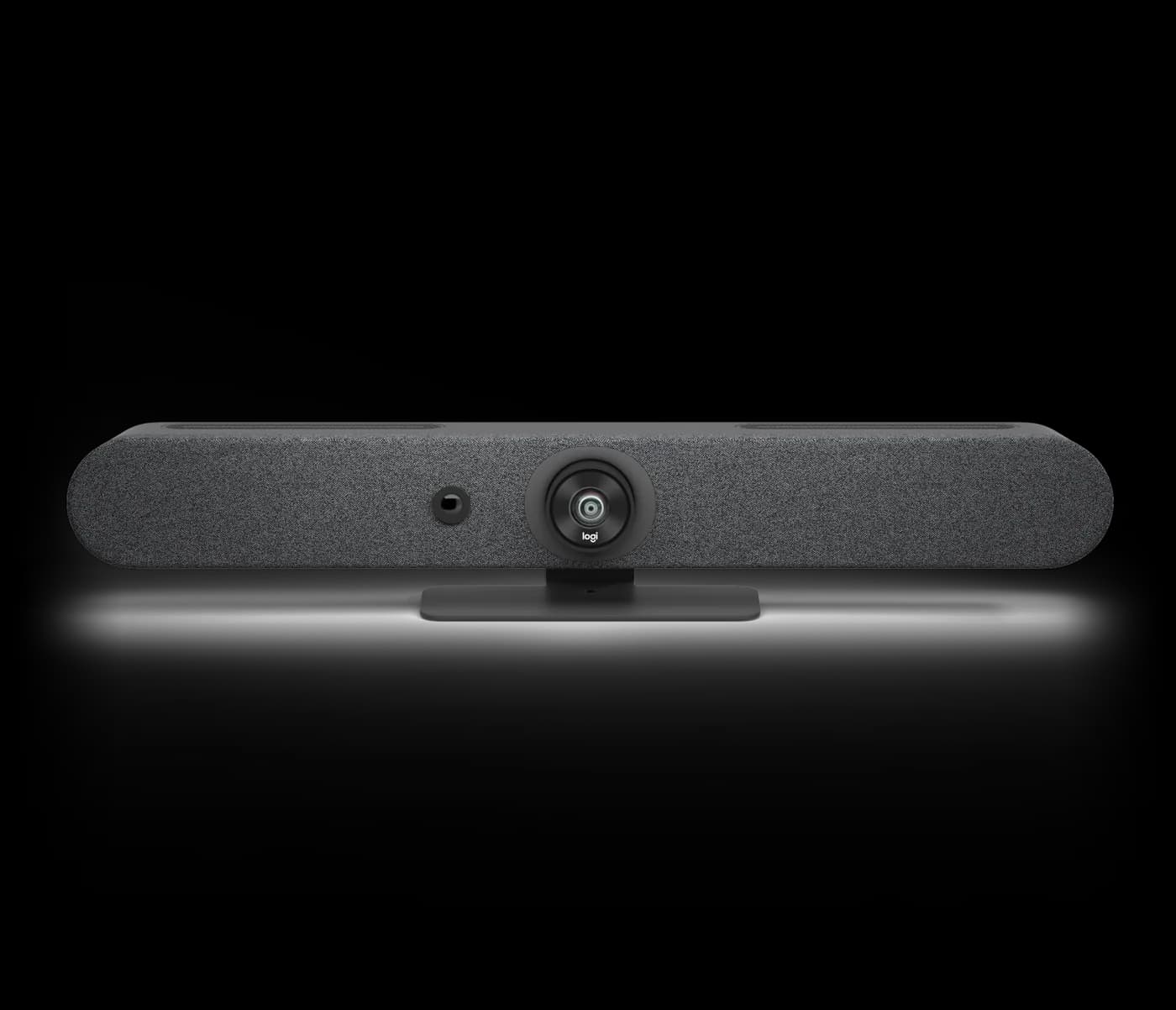
RALLY
All-in-one video bar for small to medium rooms with an ultra-wide 113° field of view, six-mic array and built-in compute for Microsoft Teams Rooms and Zoom Rooms.
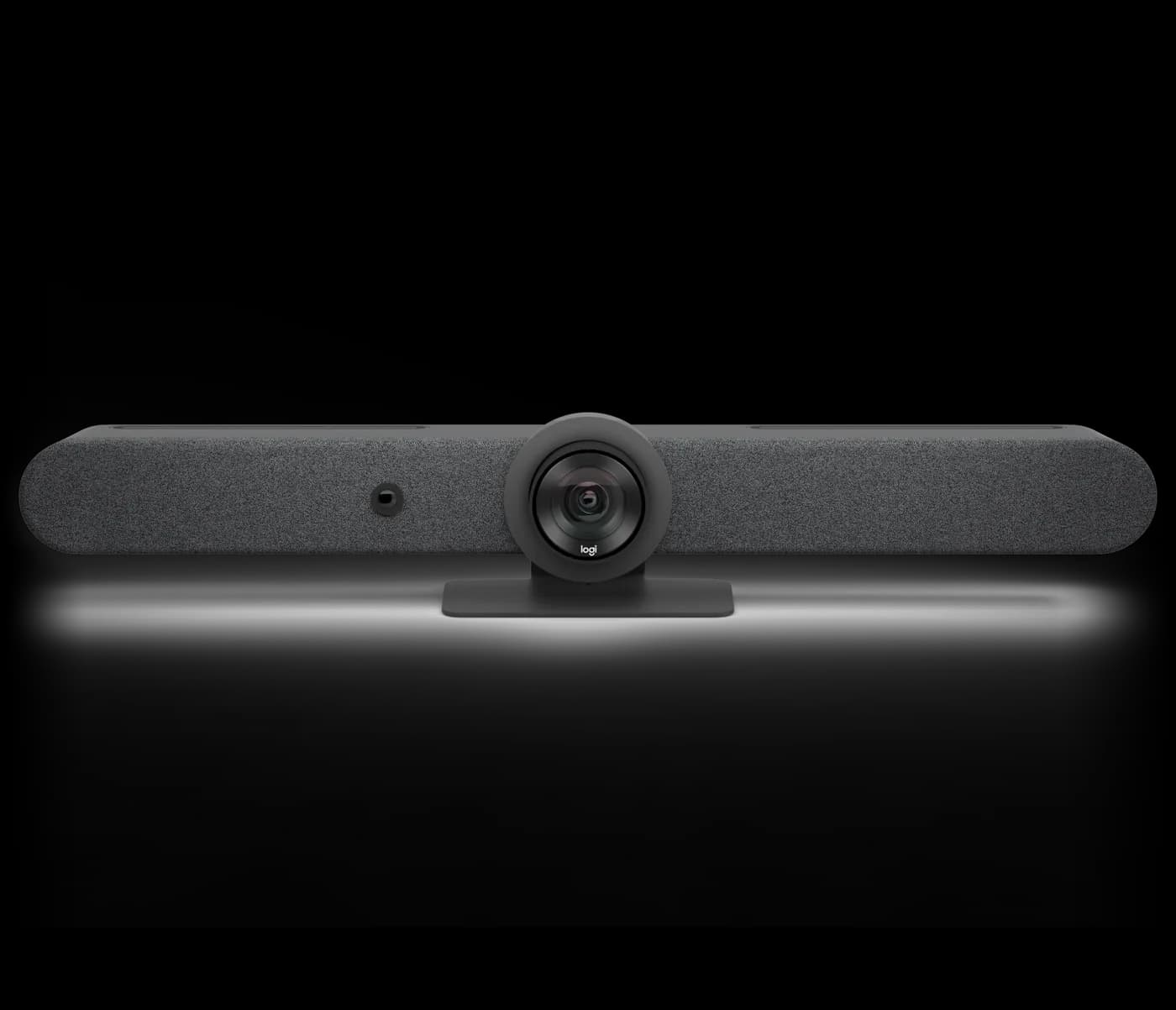
RALLY
All-in-one video bar for medium to large rooms, with a motorized PTZ camera, AI auto-framing and built-in compute for Microsoft Teams Rooms and Zoom Rooms.
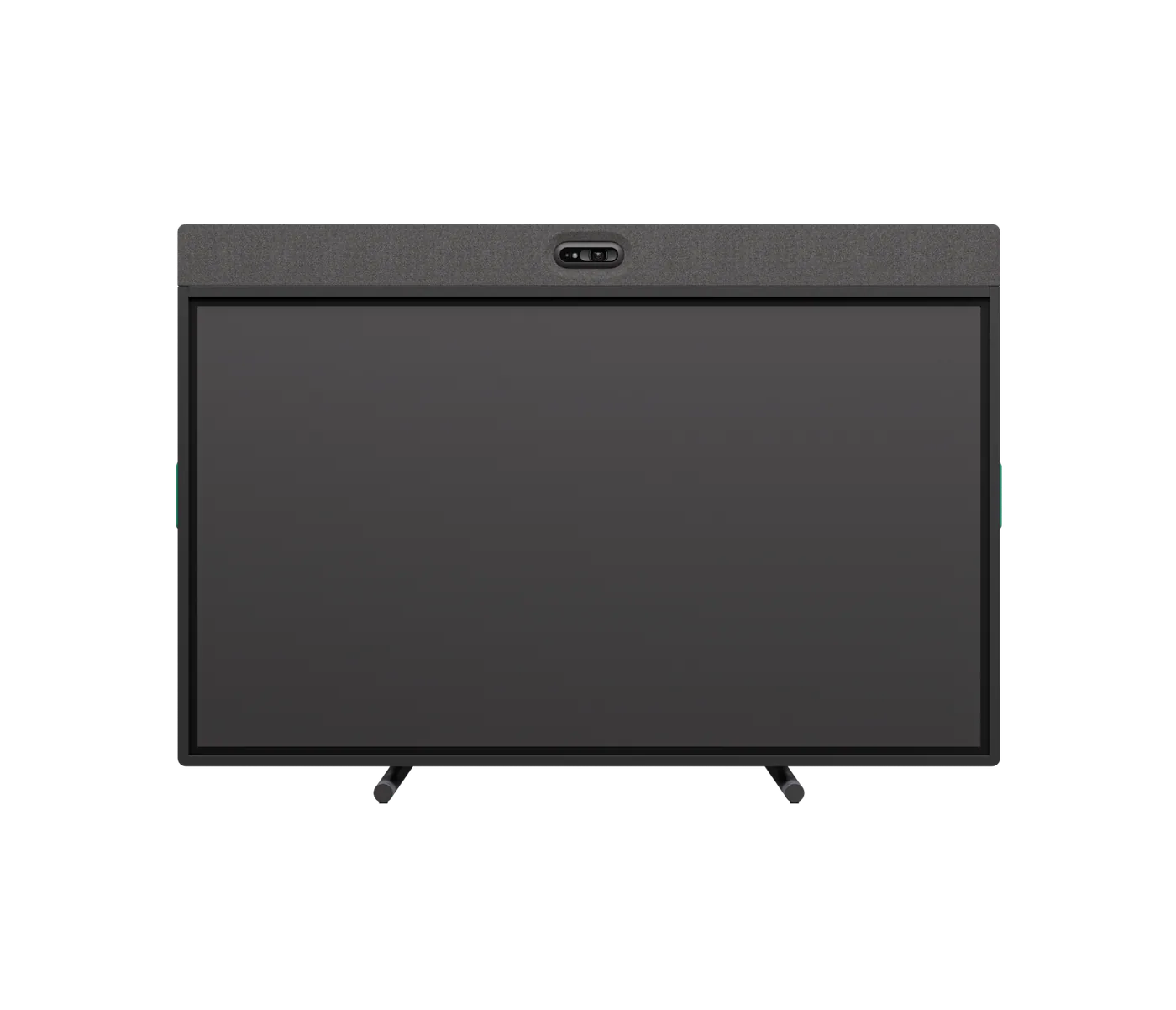
RALLY · 65″
All-in-one 65-inch 4K touchscreen collaboration board with a built-in camera, mics and speakers that runs Microsoft Teams Rooms and Zoom Rooms without an external PC.
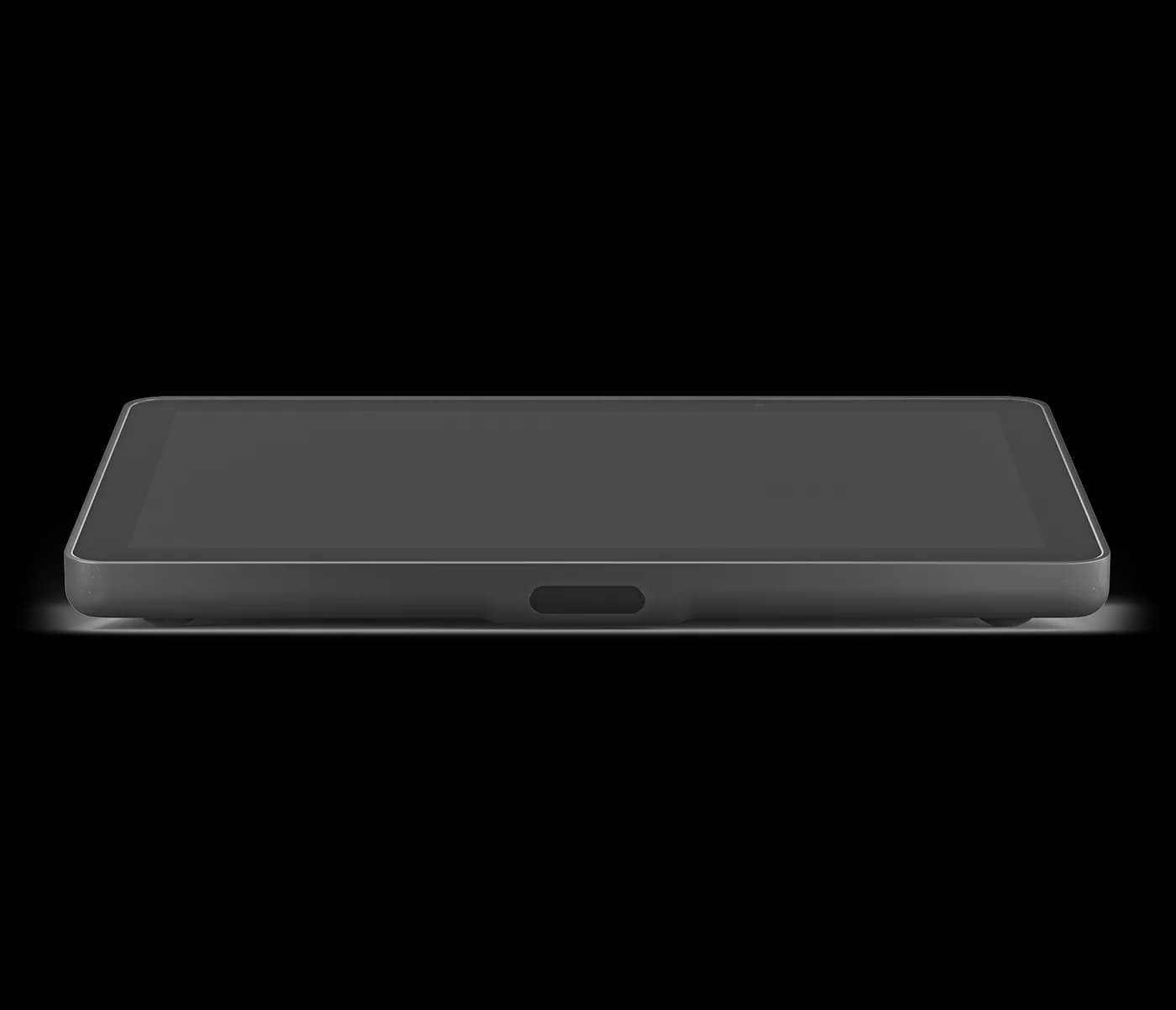
TAP · 10.1″
Network touch controller with a 10.1-inch display and a single Power-over-Ethernet connection, for one-touch join with appliance-mode room systems.
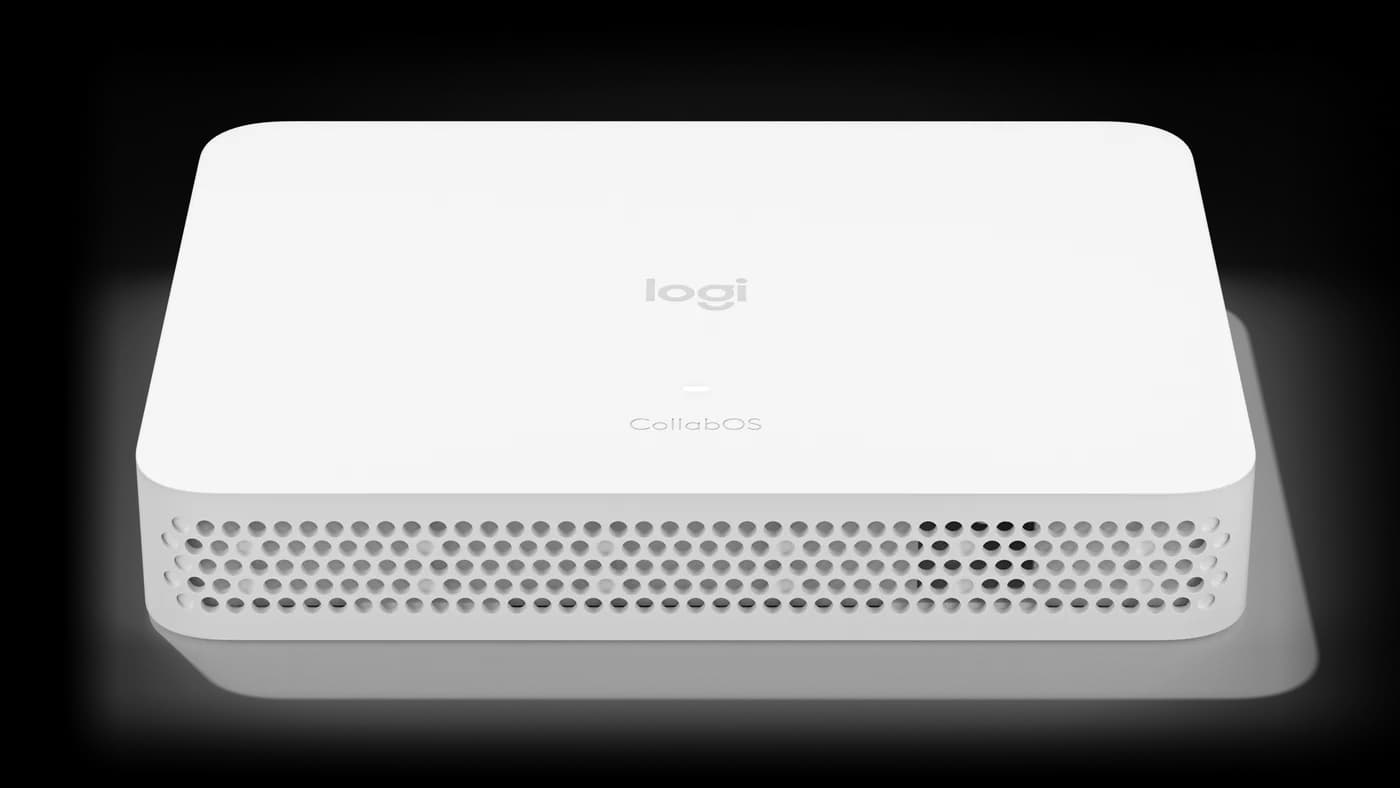
ROOMMATE
Dedicated compute appliance running Logitech CollabOS, deploying Microsoft Teams Rooms on Android and Zoom Rooms Appliances with Logitech USB cameras — no room PC.

TAP · 10.1″
Purpose-built room-scheduling panel with a 10.1-inch display and room-status LEDs, mounted outside the room to show availability and book on the spot.
Shape one: a Rally Bar, Rally Bar Mini, Rally Bar Huddle or Rally Board 65 runs Teams Rooms on Android on the device itself. Nothing else sits in the room, and the bar is the resource account's endpoint. Shape two: RoomMate hosts Teams Rooms on Android and drives a USB camera you already own or need for optical reach. Shape one wins on device count and install time; shape two wins where the camera position, the room's second display or an existing camera decides the design.
Standardise on a ladder so procurement stops re-deciding per room. Two-to-six-person rooms take Rally Bar Huddle. Small and medium rooms take Rally Bar Mini, whose 113° view suits people seated close to the display. Six-to-twelve-person rooms take Rally Bar for its motorised PTZ and 15x zoom. Rooms that also need a screen and on-device whiteboarding take Rally Board 65 with its 65-inch 4K touch panel. Each rung runs the same Teams Rooms experience, so training and support scripts carry across the estate.
Tap IP is the natural controller for a Teams room built on appliance-mode hardware. It pairs with the bar or with RoomMate over the LAN and takes its power from the same Power-over-Ethernet run, so the table needs one Cat cable instead of a USB run plus a power brick. For an estate refresh, that halves the containment work and makes moves cheaper: relocating the table means re-terminating one drop, not re-pulling a proprietary cable.
Teams rooms live and die by whether people can find a free one. Tap Scheduler mounts on the wall outside, shows the Exchange calendar for that resource, and lets someone book or release the room without opening Outlook. Wide-angle status LEDs read green or red from down the corridor, which is the whole point — the panel is for the person walking past, not the person already inside. It installs on a single PoE drop like Tap IP.
Deploying Zoom Rooms instead? See the Zoom Rooms hardware guide.
Tell us how many rooms you are rolling out on Microsoft Teams Rooms and we will spec the hardware, supply it, and install it across India.
